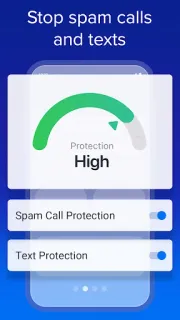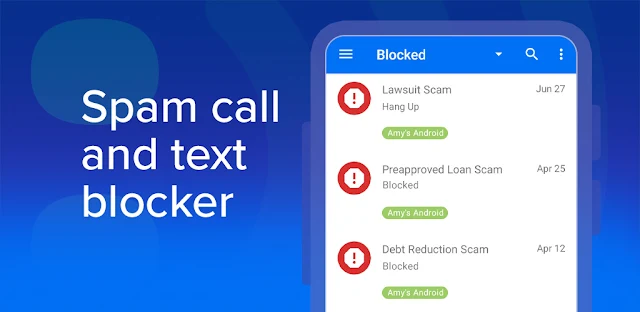
A call from an unfamiliar number interrupts a property viewing while I’m between appointments. YouMail is aimed at that moment: it can block numbers its community has identified as spam, helping keep a known nuisance from ringing through. For a new or changing number, the free blocker is less of a guarantee, so I’d treat it as a filter rather than a promise that every unwanted call will stop.
The app combines call blocking, identification of scam texts from known spammers, and visual voicemail. Its description says optional safe visual voicemail keeps messages in the app, and it can show where data brokers are selling your information online. The latest update notes add a way to screenshot and share a suspicious missed call with YouMail. That gives users another way to flag a threat, but it is a sharing choice—not a substitute for checking who contacted you.
The privacy trade-off deserves attention before setup. Call blocking depends on identifying callers, while safe visual voicemail means handling voicemail through YouMail instead of relying only on your usual mailbox. Review Android’s requested permissions and the app’s privacy choices before enabling features, especially if you prefer to keep calls, messages, or voicemail out of a separate service. The app is free to install and offers in-app purchases; Call Screening and additional protection are tied to premium, so check the Google Play listing for the current purchase details. The description’s claim that screening stops 100% of spam calls is a promotional claim, not a reason to assume every caller will be caught.
I’d consider YouMail if nuisance calls are frequent, visual voicemail would help, and I’m willing to review permissions and account settings before handing over voicemail handling. I’d skip it if I want every call and message function to stay with the phone’s existing apps, or if I need a free filter to catch unfamiliar numbers reliably. If those trade-offs fit, use the Google Play button just below to check the listing before installing.