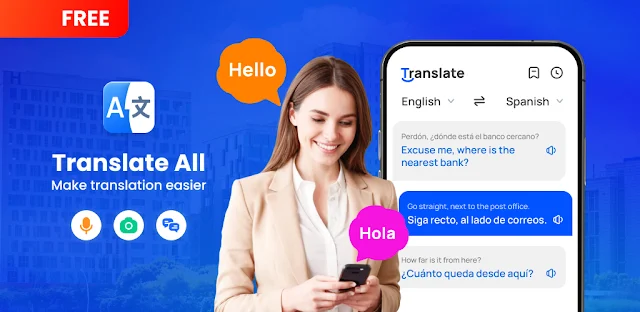
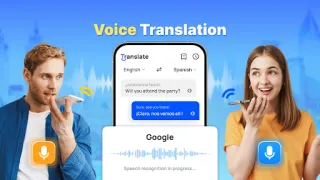
A train platform is noisy, the departure board is unfamiliar, and typing every line into a translator would slow you down. I’d try voice translation for a quick question, then use photo translation for printed directions or a notice. On an older phone, that mix can be more practical than switching between separate tools, especially when I need a phrase I can save or share. The app’s offline option may also help when connectivity is patchy, though I’d check that the languages I need are available for offline use before relying on it away from a connection.
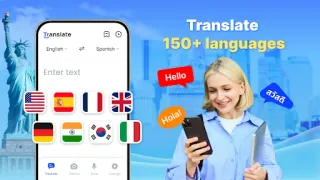
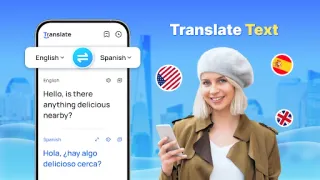
The feature set covers typed or pasted text, spoken input, and photos containing text, plus full-screen translation and a floating shortcut for quick access. It supports more than 150 languages, can auto-detect the input language, and offers reverse translation, saved results, and sharing. The latest update notes point to common phrases, synonyms and antonyms alongside changes intended to improve speed and accuracy. That gives it uses beyond travel: checking a short business email, clarifying a phrase while studying, or handling a brief exchange. It is a translator, not project management software or a substitute for careful review of important wording.
The practical trade-off is that the app contains ads and offers in-app purchases, so I’d check the Google Play listing for purchase details before installing. Photo and voice tools also depend on granting the relevant camera or microphone access when prompted. Offline translation is useful for planning ahead, but it is sensible to try the specific language pair before leaving a reliable connection; translation quality can vary with phrasing, speech clarity and the text in an image. For an older or low-storage phone, I’d also check available space on the device before adding another app, rather than assuming every feature works without extra resources.
I’d install it if I regularly need short translations in several formats and value having text, voice and photo tools together. It may be a poor fit if I need a quiet, ad-free experience, depend on exact wording for consequential messages, or have very little storage to spare. I’d compare its permissions and purchase options with what I actually plan to use, then open the Google Play button just below to check the listing before installing.
 How-toTranslate