Between property appointments, I sometimes have a few minutes in the car before the next viewing. That is a more realistic opening for a short audio summary than for a chapter, and Blinkist is built for exactly that kind of gap. If you prefer reading, its text summaries offer another way to fit learning around a busy day. The useful question is whether a small prompt helps you keep that habit going—or just adds another alert to clear.
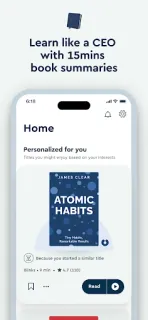
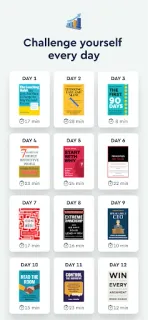
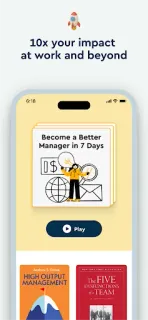
Blinkist offers summaries of books and podcasts, with audio and text formats. The developer describes a library spanning fiction and nonfiction, plus personalized learning paths based on goals and curated collections. That could make it easier to pick a topic such as science, personal growth or business skills without choosing a whole book first. The store summary frames the app as a way to listen, read and learn something every day. For notifications, I’d treat reminders as a nudge to open a learning path or choose a summary, rather than a reason to consume something on a schedule. If your learning time changes from day to day, a reminder is most useful when you can ignore it without losing your place.
The app is free to install and offers in-app purchases, so check the Google Play listing for purchase details before committing to a paid option. The developer also describes Blinkist Pro features for summarizing articles, PDFs and videos; those are separate from the core book and podcast summary concept. If you use notifications, review Blinkist’s notification controls in Android settings and keep only reminders you find useful. You can also silence the app when appointments or focused work make prompts unwelcome. Audio listening may suit a commute, while text is the practical choice when sound would distract or disturb people nearby.
I’d install Blinkist if short summaries are a comfortable starting point and you want a gentle cue to make room for learning. It may be a poor fit if you want complete books, dislike reminders, or would rather choose every reading session yourself. I’d begin with notifications off or limited, then keep a prompt only if it helps you return to a topic. For a quick check on the app and its purchase options, use the Google Play button just below.