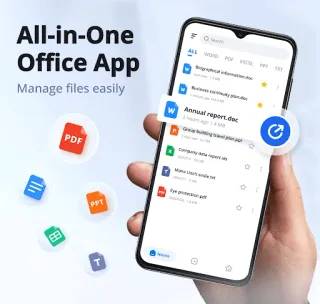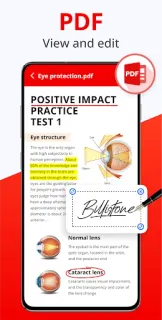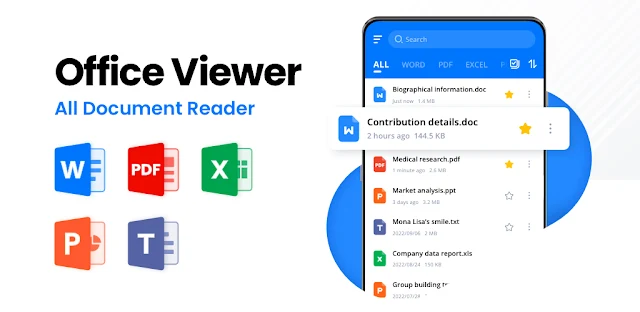
A property document lands in my inbox while I’m between appointments, and I need to find a clause without opening a laptop. Docx Reader - Office Viewer can work as a pocket file cabinet: search for a document, open it, and keep frequently used files in Favorites. The feature that gives it a reason to stay installed is PDF markup. I can underline a line or highlight a passage before sharing the file, rather than switching to a separate viewer just to annotate it.
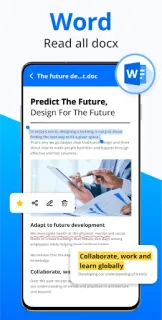
The app is described as supporting Word files, PDFs, Excel spreadsheets, PowerPoint presentations and text files, including DOCX, XLSX and PPTX. It offers file search, sorting by time, size or name, and basic management such as renaming, deleting and sharing. PDF tools include highlighting, underlining, strikethrough, copying text and freehand drawing, with an option to remove marks. The developer also describes PDF editing, printing and offline access. That makes it a practical reader and lightweight markup tool, not a replacement for a full office suite or a team CRM. If your main need is e-signature or project management, this is not the feature set to choose around.
The listing flags ads and in-app purchases, so I’d check the Google Play details before making this my everyday document workspace. The specific PDF actions described are annotations and copying text; I would not assume the app can rewrite every element of a PDF or preserve complex formatting in every office file. Offline access suits reading files already available on the device. For confidential paperwork, consider where your files are stored and what you choose to share; I would not treat a general-purpose viewer as a secure filing system.
I’d install it if I regularly open mixed office formats and want PDF highlighting, drawing and quick file search together. It may also suit someone who reads documents offline or sorts a crowded folder. I’d skip it if polished document editing, e-signature workflows, or complex layout conversion is the priority. If business email and invoicing are daily tasks, this app can help view an attachment, but it is not a substitute for the services that create or manage those records. Check the Google Play button just below to confirm you’re opening the listing for Docx Reader - Office Viewer by QR & Barcode Scanner.