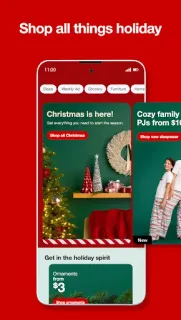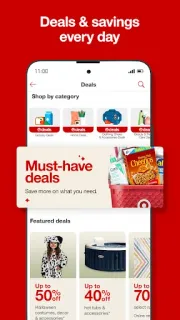
A quick stop can turn into three errands when I remember the vitamins, need flowers for a host and spot a storage basket for the hall. Target’s app earns its place when I want to browse those different needs in one shop instead of rebuilding the list elsewhere. I can move from groceries and beauty to gifts and home decor, then decide how to receive the order. That flexibility is the practical draw, especially when plans change between the list and checkout.
The app brings Target’s product browsing and shopping together, with seasonal ideas alongside everyday essentials. The listing highlights Target Circle offers, free Drive Up curbside pickup, same-day delivery and easy returns. Drive Up is the especially concrete option: check out with that fulfillment choice and staff bring the order to the car, with trunk loading included. Delivery availability and order details can vary by location and item, so I’d check the choices shown for my cart rather than assume every product can arrive the same way.
The trade-off is that a broad shop can encourage extra browsing when all I need is one item. Offers can also have eligibility or timing conditions, so I’d read the terms in Target Circle before counting on a deal. The app contains ads, and free installation does not make the products or delivery automatically free; review the cart, any applicable fees and the return details before placing an order. If I’m on a tight data connection or using an older phone, I’d also keep the shopping session focused rather than loading lots of product pages.
I’d install it if I shop at Target often and want a single place to handle household essentials, seasonal gifts and pickup choices. It is less compelling if I rarely shop there or prefer a narrow, single-purpose list app. My day between property visits can leave little room for an extra store stop, so Drive Up is the feature I’d keep this app for. Check the Google Play listing just below before installing, then decide whether its shopping and pickup options fit your routine.