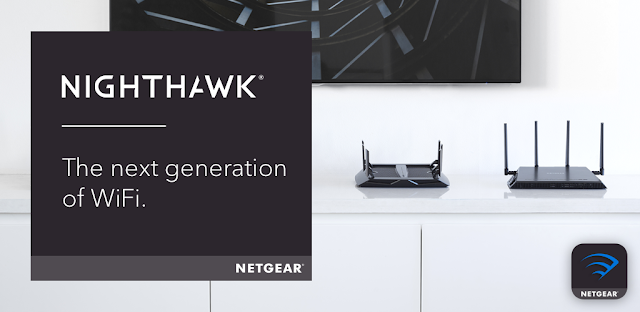
A video call freezes while I’m parked between property visits, and I need to tell whether the problem is the home connection or the router. Nighthawk’s Speed Test and router controls can help narrow that down when the phone can still reach the router. If the broadband connection is out, a speed test cannot measure a live internet connection; local access is the useful distinction to check.
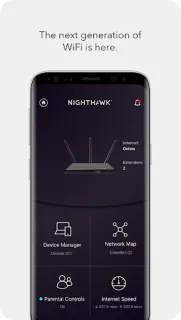
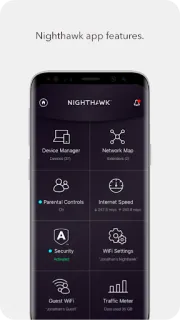
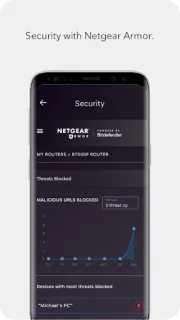
The app brings together router features including pausing WiFi, managing a separate guest network, viewing internet use with Traffic Meter, and updating firmware. It also offers Anywhere Access for monitoring and control away from home, plus parental controls through Circle and network protection through Armor. Those are router-management tools, not a way to make a weak broadband signal stronger. A smart TV or laptop still depends on the underlying connection for streaming and browsing.
Weak service changes which features are practical. Remote access relies on a connection between the app and home network, so it is a poor fallback when either side is offline. At home, the phone needs to communicate with a compatible NETGEAR router for router controls; setup or account access may also be needed. Circle and Armor are named services, so check their terms and any associated costs before relying on them. A speed test uses internet access, and an app cannot restore a router that has lost power or a usable connection.
I’d consider installing Nighthawk if I already have a supported NETGEAR router and want guest WiFi, usage checks, or basic controls without opening a browser. It may also help identify whether a connection issue is local or internet-side, but I would keep the router’s physical controls and provider support in mind for a full outage. Skip it if you do not use a compatible NETGEAR router, or if you expect management to work from anywhere with no connection. Check the Google Play button just below if those limits fit your setup.
 How-toNETGEAR Nighthawk WiFi