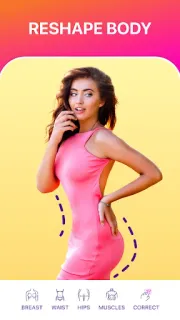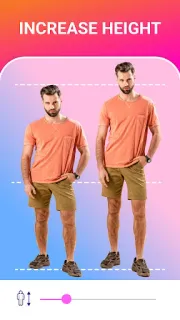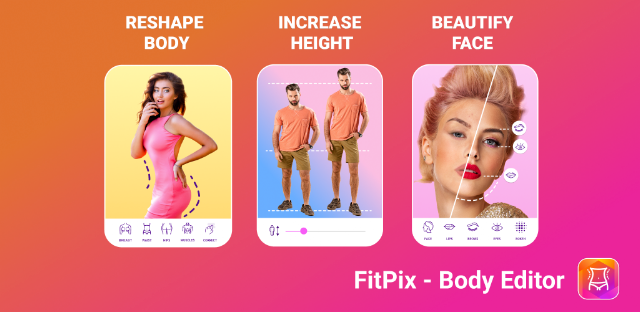
A group photo is ready to share, but one person wants a small waist or face adjustment before it goes out. FitPix puts body and face controls alongside everyday retouching, so you can make a targeted change rather than move the image into a larger photo editing software workflow. On an older phone, that focused approach may be appealing; keep the original image so you can compare the edit before sharing.
The listed tools include body shaping for the waist, hips and legs, face reshaping, an abs effect, selfie retouching, object erasing, background changes, filters and a collage maker. That gives FitPix more range than a single-purpose slimming tool, though the main draw is still reshaping portraits. The collage option can suit a quick social post or a simple graphic design task; it is not a substitute for a dedicated layout app or a photo books service.
The listing flags ads and in-app purchases, so check what is included before building a regular editing routine around a particular tool. It is also sensible to check the app's size and requested permissions on an older or low-storage phone, and leave room for the photos you edit. Image editing can be demanding on a device, so close other apps if the editor feels sluggish. Keep edits subtle: reshaping can bend straight edges in the background and make a picture look less natural.
I’d consider FitPix if you want portrait retouching, body adjustments and basic collages in one place, and are comfortable reviewing ads and purchase options. I’d skip it if you mainly need precise layers, extensive graphic design controls or a light, single-purpose utility. If storage is tight, check the app size and permissions first, then decide whether its mix of tools earns a place on your phone. The Google Play button just below is the place to check those details before installing.