You’re parked outside a property, ready to head to the next appointment, and want to sort lunch before driving. This is where the Arby’s app can help: choose a participating restaurant and put together an order for pickup or delivery without making every choice at the counter. But if mobile reception is fading, treat the order as something to complete while the connection is steady—not as a plan you can count on finishing offline. A stalled screen is a good reason to pause and confirm what went through before trying again.
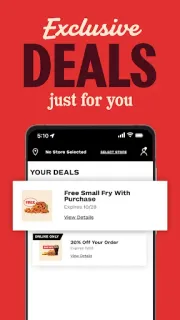
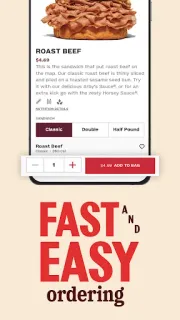
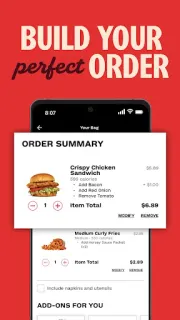
The app is for ordering from participating Arby’s restaurants. The listing describes online ordering for pickup and delivery, building a meal, and redeeming offers at the drive-thru, in the app or at the counter. That makes it useful when you want to browse options and shape an order ahead of a stop. Offers can be part of the appeal, though the app’s practical value still depends on your chosen location and a working connection when you place the order. It is for restaurant orders, not event tickets or restaurant reservations.
The weak-signal catch is straightforward: browsing, selecting a location and sending an order rely on the app reaching its services. I would not assume a cart saved on screen has been submitted, or that an offer will apply until the order flow confirms it. Check the selected restaurant and pickup or delivery choice before proceeding; if the connection drops, reopen the app when service returns and verify the order status before placing it again. The app is free to install, but food and any applicable charges are separate. Some features may require an account or location access, so review the prompts and app settings that appear on your device.
Install it if you order Arby’s often enough to value assembling a meal on your phone and can usually place it with reliable reception. Skip it if you need an ordering tool that works fully offline, or if you only want to browse without sharing any requested details. For an unreliable connection, I’d wait until service is steady, then confirm the restaurant and order status rather than relying on a half-finished screen. Check the Google Play button just below to open the app’s listing and review its details before installing.